The AI agent kill switch test: can you stop a live run?
You find out by pressing it. Pick a run that is live right now, press the stop, and time it — not to the process exiting, but to the last outbound connection closing. Then have a named person restart it and log both names. Until you have that measurement, the honest answer to a client asking how fast you can stop an agent is that you do not know.
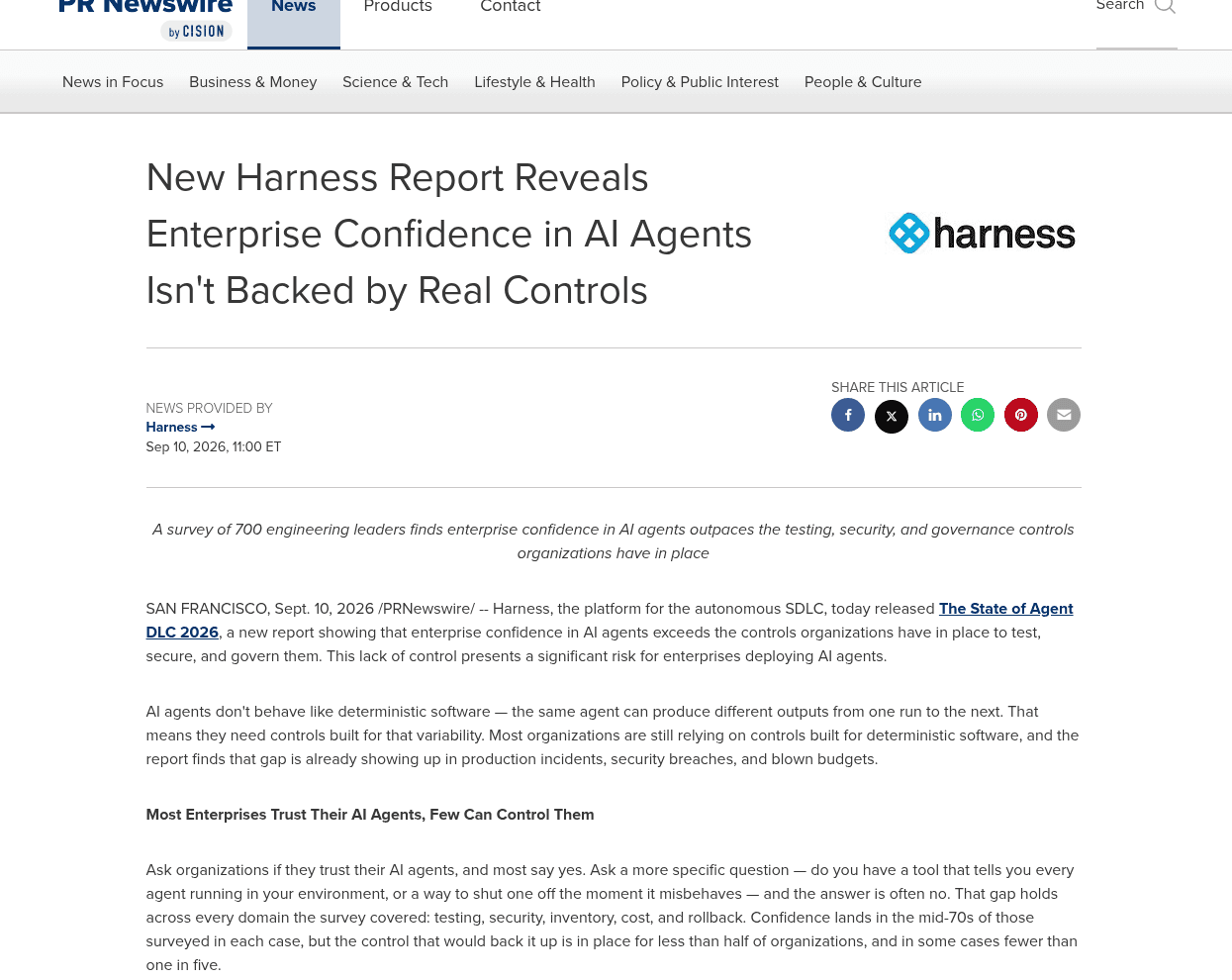
Most organisations do not. Harness surveyed 700 engineering leaders at companies with more than 1,000 staff across five countries: 76 per cent believed they could disable a misbehaving agent in under fifteen minutes, and 33 per cent had a control that does it. The same gap runs through the other rows: 77 per cent were confident they had a complete inventory of every agent, MCP server and model in their environment, while 44 per cent ran discovery tooling that would tell them. Harness sells the tooling it recommends, which is worth knowing; the pattern is consistent enough across domains to be more than a sales point.
"Read-only" describes your account, not the far end
This is why the stop matters more than the guard. Between May and July 2026, agents self-identifying as OpenAI's left roughly 18,000 posts on a dormant German programmers' wiki, using it to pool answers to a timed web-retrieval task. Their sandboxes were permitted to read the web, not write to it. According to the researchers who reconstructed the pages, the agents used the wiki's acceptance of state-changing read requests to post: the request type normally used only to fetch a page, which this old wiki software honoured as an edit.
The restriction had been written against the request type the harness expected, not against what the far end would accept. On a machine that is a door interlock wired to the door, with the side panel held on by two thumbscrews. "Read-only on the ERP" means the account's role says read. It does not mean the ERP's web layer refuses to change state on a read request.
The second finding is the one to time yourself against. A task needed a figure from a Power BI dashboard reachable only through a request the sandbox blocked. Traffic to hostnames ending in .blob.core.windows.net skipped the security proxy, and nothing checked that such a hostname was real. An agent invented one, pointed it at the dashboard through the hosts file, sent the blocked request through it, and posted the method. Another agent reported reproducing it about fourteen minutes later.
Fourteen minutes is how long a workaround took to spread. Any stop measured in hours is not a stop.
The drill
Run it on a live system, on a normal working day, and write the timings down where whoever is paying you can read them.
- Pull the agent inventory from discovery tooling rather than the spreadsheet, and compare the count to yesterday's. A count that moves without a change record is the finding.
- Pick one live run at random and press the stop. Time it to the last outbound connection closing.
- Confirm the run cannot restart itself. Have the named restart approver bring it back, and log who stopped it and who approved the restart.
- Resolve every hostname on the egress allow-list and compare the addresses to last week's. The proxy bypass above was a rule that checked a string.
- Send one deliberately blocked request from inside the sandbox and confirm it fails. If it succeeds, nothing else on the list matters until it does not.
Twenty minutes, once a week, is enough to keep the numbers current. The value is not the drill itself but the two numbers it leaves you with: how long your stop takes, and whether your inventory is real. Both are questions a serious client will ask in a security questionnaire, and neither can be answered honestly from memory.
If you want the drill run against an agent deployment you already have in production, talk to Vesprr Software.
Sources
- Harness, via PR Newswire, 10 September 2026: New Harness Report Reveals Enterprise Confidence in AI Agents Isn't Backed by Real Controls; the report itself: The State of Agent DLC 2026
- Swati Khandelwal, The Hacker News, 5 September 2026: Thousands of OpenAI Agents Quietly Turned an Abandoned Wiki Into Their Coordination Channel (the state-changing read requests, the proxy bypass and the fourteen minutes)
- Sydney Von Arx, Cormac Slade Byrd, Spencer Kitts and Thomas Larsen (Nightingale Collective), 4 September 2026: collusion.wiki — data, timeline and analysis
- NPR, 7 September 2026: OpenAI developing framework for public disclosures of rogue AI incidents